
Know what to do
with your tech.
Find your device or describe what you need. WhatTech will take you to the right tool.
Examples:
SponsoredAffiliate partner
SmoothCut
Polished screen recordings, automatically.
SmoothCut adds purposeful zooms, smoother cursor movement, camera layouts, and captions on Mac or Windows—processed on your computer.
Automatic zoomsSmooth cursorLocal processing
Explore SmoothCut Affiliate link — WhatTech may earn a commission at no extra cost to you.
Screen recording, automatically polished
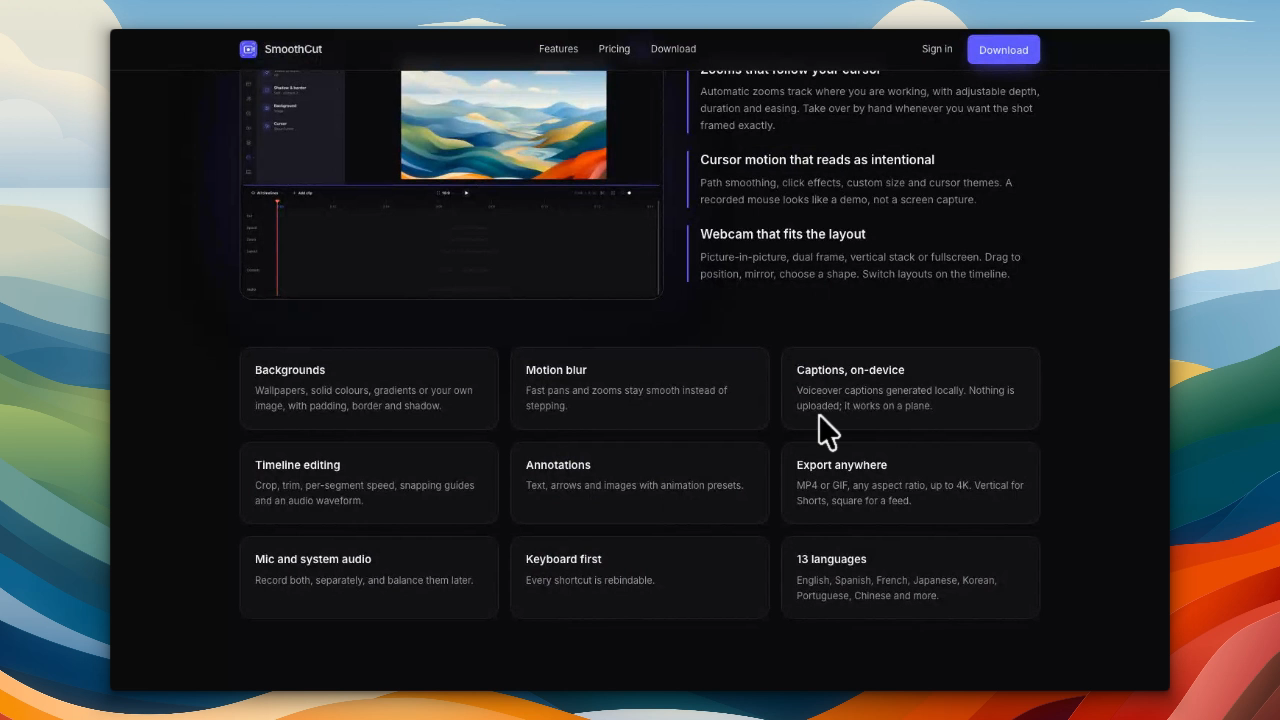 See how it works
 Choose what you need to do
Every tool asks focused questions and gives you a practical next step.
01 · Check something
Will It Work?
Check if two devices or accessories are compatible.
02 · Solve a problem
Fix My Device
Figure out what is wrong and what to do next.
03 · Make a decision
Should I Upgrade?
See whether an upgrade is actually worth it.
04 · Solve a problem
Repair or Replace?
Check whether a repair makes financial sense.
05 · Make a decision
What’s It Worth?
Estimate the current value of your tech.
06 · Find something
What Do I Need?
Find the right cable, charger, adapter, or dock.
07 · Find something
What Should I Buy?
Get recommendations for your needs and budget.
08 · Check something
Compare Devices
Compare two products by real-world impact.